

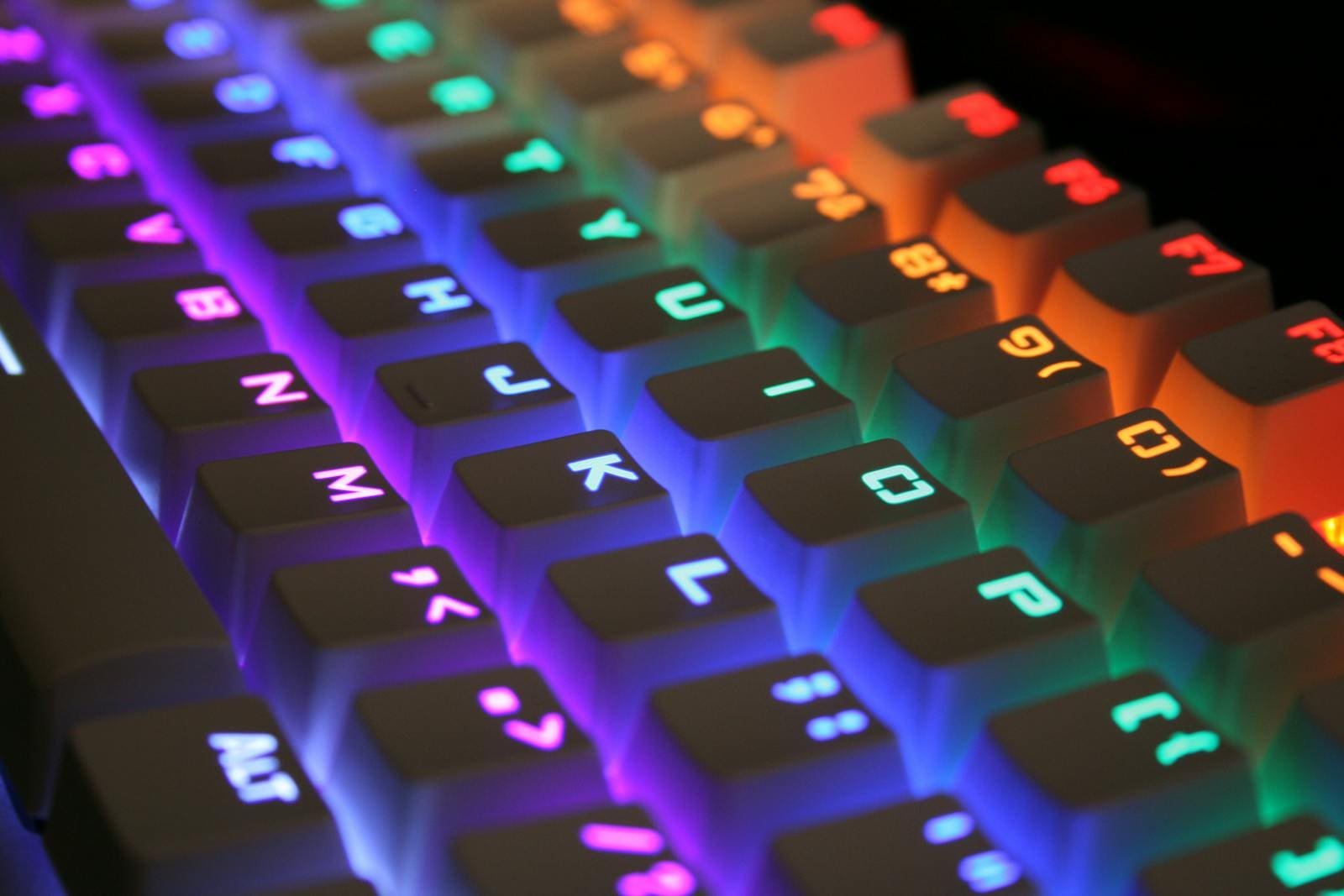
The Phantom RGB Mechanical Keyboard offers a perfect blend of design, performance and advanced customization. With its premium mechanical switches and stunning RGB lighting effects it delivers a smooth and responsive typing experience. The setup process is quick simply connect the keyboard via USB and install the official Phantom RGB software to access lighting modes key mapping and macro settings. Whether youre a gamer or a professional this keyboard ensures precision and comfort making it one of the best value options in 2
Why Phantom RGB Mechanical Keyboard Stands Out
The Phantom RGB Mechanical Keyboard stands out for its remarkable durability, sleek aluminum frame and customizable RGB illumination Unlike other mechanical keyboards it offers both style and performance without breaking the bank. The Phantom s anti-ghosting keys smooth keystroke feedback and software controlled lighting patterns make it a favorite among gamers and content creators alike. Its combination of build quality programmable features and affordable price truly sets it apart in the competitive mechanical keyboard market.
Design & Build Quality
The Tecware Phantom RGB Mechanical Keyboard comes with a floating key design and a sturdy aluminum frame that ensures both beauty and durability The build quality feels premium making it suitable for both gaming and office environments
Key design highlights include
-
Double-shot ABS keycaps that resist fading and wear
-
Braided 1.8m USB cable for consistent connectivity
-
Tenkeyless (TKL) and Full size variants for flexible choices
-
Optional hot-swappable switches for easy customization and repair
The Phantom’s sleek design complements any modern desk setup while maintaining the professional look serious gamers prefer
Typing & Gaming Performance
Typing on the Phantom RGB feels both tactile and responsive The Outemu mechanical switches rated for 50 million keystrokes ensure smooth actuation and long-term reliability
Performance highlights
-
N Key rollover prevents missed inputs.
-
Anti-ghosting support guarantees accurate key detection.
-
Balanced sound profile clicky enough for gaming yet comfortable for typing.
Compared to other keyboards in its price range, the Tecware Phantom 87 and Phantom Plus models stand out for their precision and reliability.
RGB Lighting and Customization
One of the strongest features of the Phantom RGB keyboard is its 16.8 million-color backlighting. Through the Tecware Phantom RGB software, users can personalize every key with vivid lighting effects.
RGB customization options include:
-
Per-key color assignment
-
Lighting modes like wave, ripple, or breathing
-
Macro creation and mapping through software
-
Easy profile switching for gaming or work modes
If your PC feels sluggish while customizing or running RGB software, you can check out our helpful guide on Slow Computer Solutions: Fast and Easy Fixes for 2025 — it can help you optimize performance before installing RGB control apps.
Software & Setup Guide
Setting up your Phantom keyboard is simple and beginner-friendly.
Follow these steps
-
Download the Tecware Phantom RGB software from Tecware’s official website.
-
Connect the keyboard via USB.
-
Launch the software and let it auto-detect your device.
-
Customize lighting, assign macros, or remap keys.
-
Save your settings to onboard memory.
The software also allows you to update firmware, manage multiple profiles, and sync effects across devices.
If your system runs slow during updates, another tip is to follow performance-boosting techniques like those mentioned in Slow Computer Solutions: Fast and Easy Fixes for 2025 — small tweaks can make a big difference.
Variants and Model Comparison
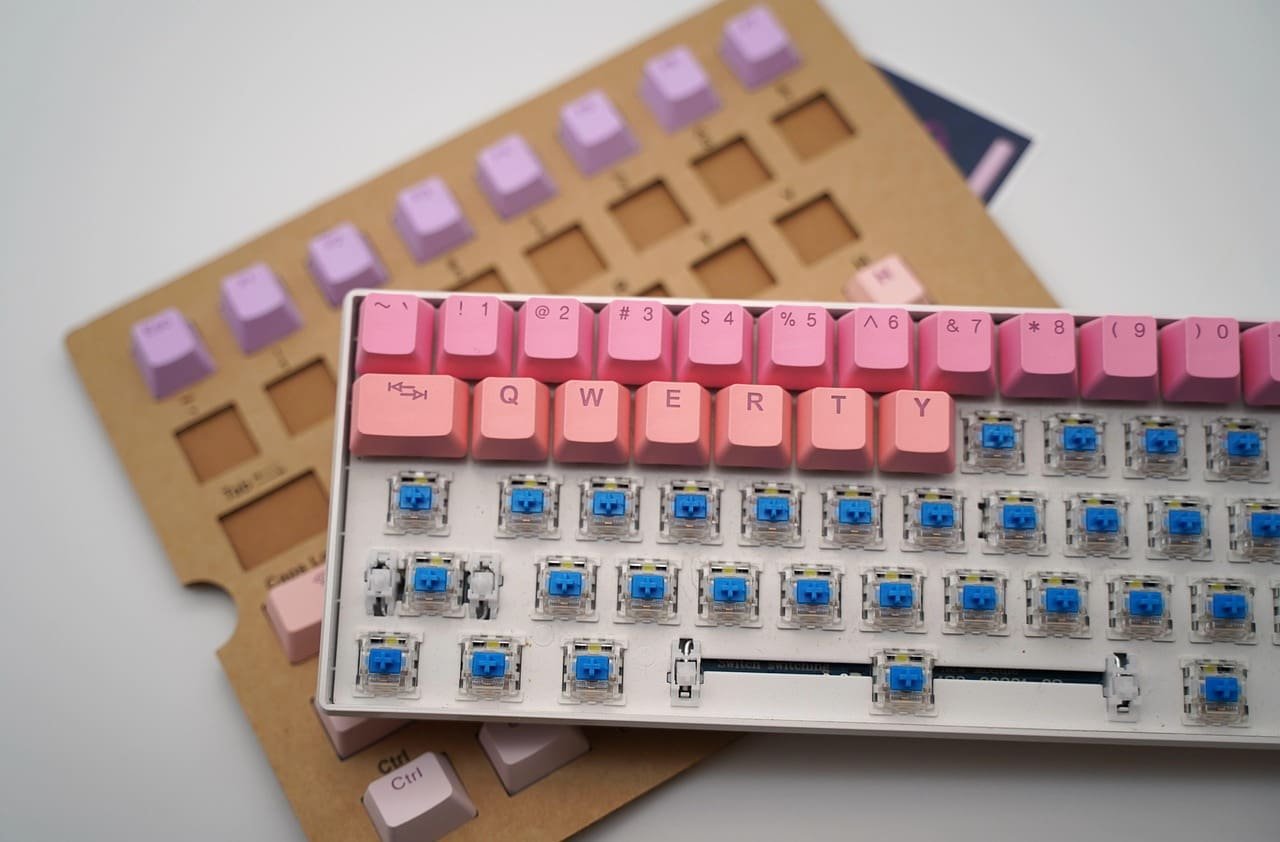
Tecware offers several variants of the Phantom series, each tailored for different preferences.
Popular versions include
-
Phantom 87 – Compact TKL layout for space-saving setups.
-
Phantom Plus – Enhanced RGB effects and hot-swappable switches.
-
Phantom TKL – Ideal for gamers who prefer lightweight, portable keyboards.
Each version supports RGB customization, macro programming, and solid build quality, ensuring consistency across the lineup.
Price and Availability
The Tecware Phantom RGB Mechanical Keyboard is known for its unbeatable value. It’s widely available online and in local markets, including Pakistan and Bangalore.
Prices may vary depending on layout (TKL or 104-key) and switch type. On average, it costs significantly less than premium gaming keyboards while delivering near-identical features.
Pros and Cons
Pros
-
Customizable 16.8M RGB lighting
-
Sturdy build with premium materials
-
Hot-swappable switches on supported models
-
Excellent value for money
Cons
-
No wireless connectivity option
-
Software requires manual updates occasionally
Final Verdict Should You Buy the Phantom RGB Mechanical Keyboard
The Phantom RGB Mechanical Keyboard delivers everything you d expect from a top-tier mechanical keyboard durable build excellent typing feedback and stunning RGB customization all at a budget friendly price Whether you re a gamer a writer or just upgrading your workstation, the Tecware Phantom RGB is a smart and stylish investment
FAQs about Phantom RGB Mechanical Keyboard
How can I change the color on my Phantom RGB Mechanical Keyboard
Press Fn + 1–9 keys to switch between lighting modes, or use Tecware Phantom RGB software for full per key color customization and advanced RGB effects
How to install Phantom RGB Mechanical Keyboard software
Download the latest version from Tecware s official site install it connect your keyboard and customize lighting macros and key mapping easily
What is the price of Phantom RGB Mechanical Keyboard
The Phantom RGB Mechanical Keyboard price usually ranges between $40–$70, depending on the model like Tecware Phantom 87 or Phantom Plus
Is the Phantom RGB Mechanical Keyboard worth buying
Yes its one of the best budget mechanical keyboards with Outemu switches durable build and vibrant RGB customization for gamers and typists
Where can I find the Phantom RGB Mechanical Keyboard manual
You can download the Phantom RGB keyboard manual from the Tecware website it includes setup RGB shortcuts and troubleshooting details
What makes the Tecware Phantom 87 model special
The Tecware Phantom 87 is a compact TKL RGB mechanical keyboard offering smooth performance N key rollover and customizable perkey lighting