
If your Android phone is not showing notifications this can be very frustrating because you may miss banking alerts CCTV updates emails and important app notifications Missing notifications can affect your work daily tasks and app alerts In this complete guide we will provide a step by step Android Phone Not Showing Notifications Fix so that your notifications start working properly again
Why Android Phone Not Showing Notifications Fix Is Important
When Android phone notifications stop working messages banking alerts emails and security updates are missed Therefore Android Phone Not Showing Notifications Fix is important to make your phone work smartly
Causes of Android Phone Not Showing Notifications
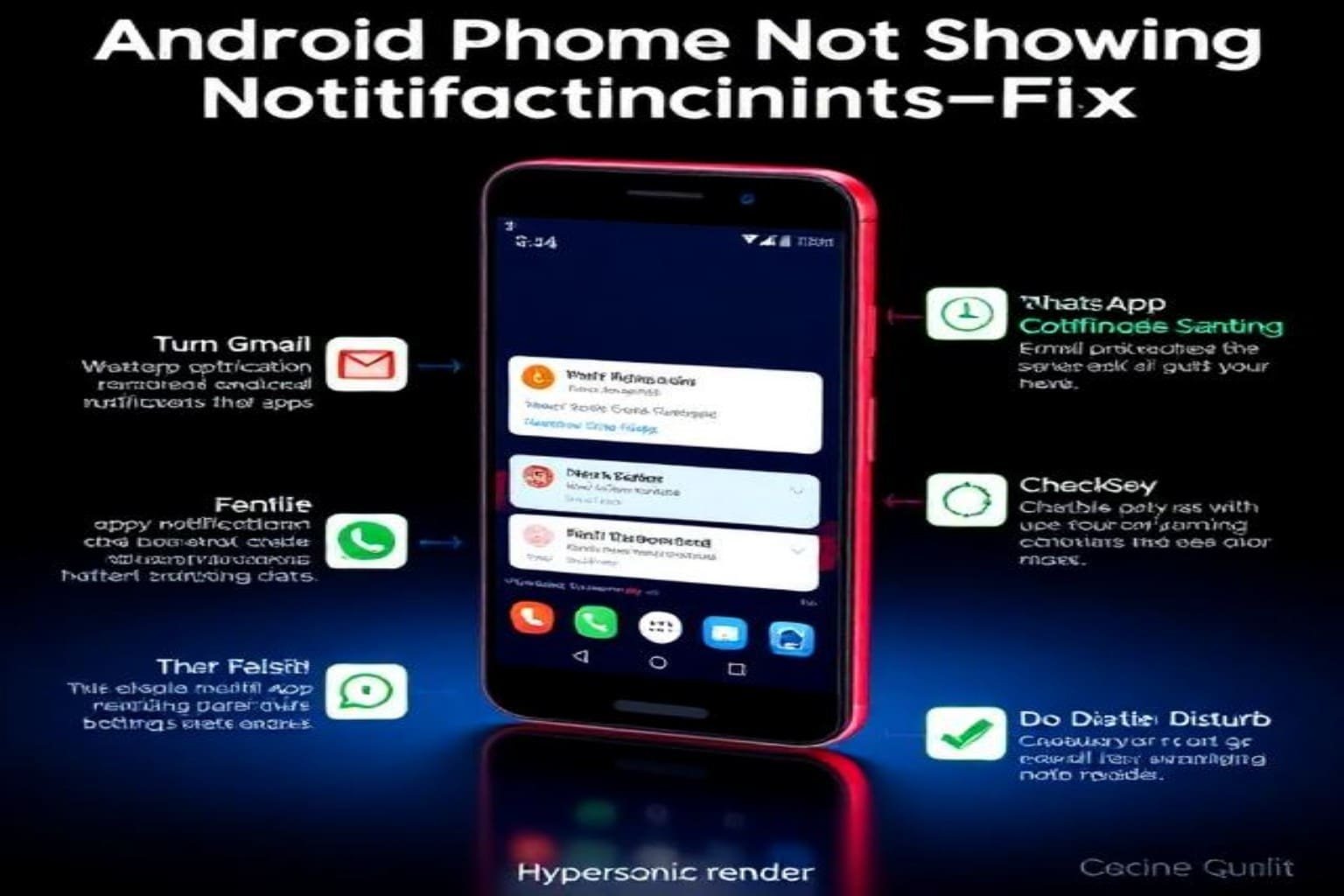
1 Battery Optimization Blocking Notifications
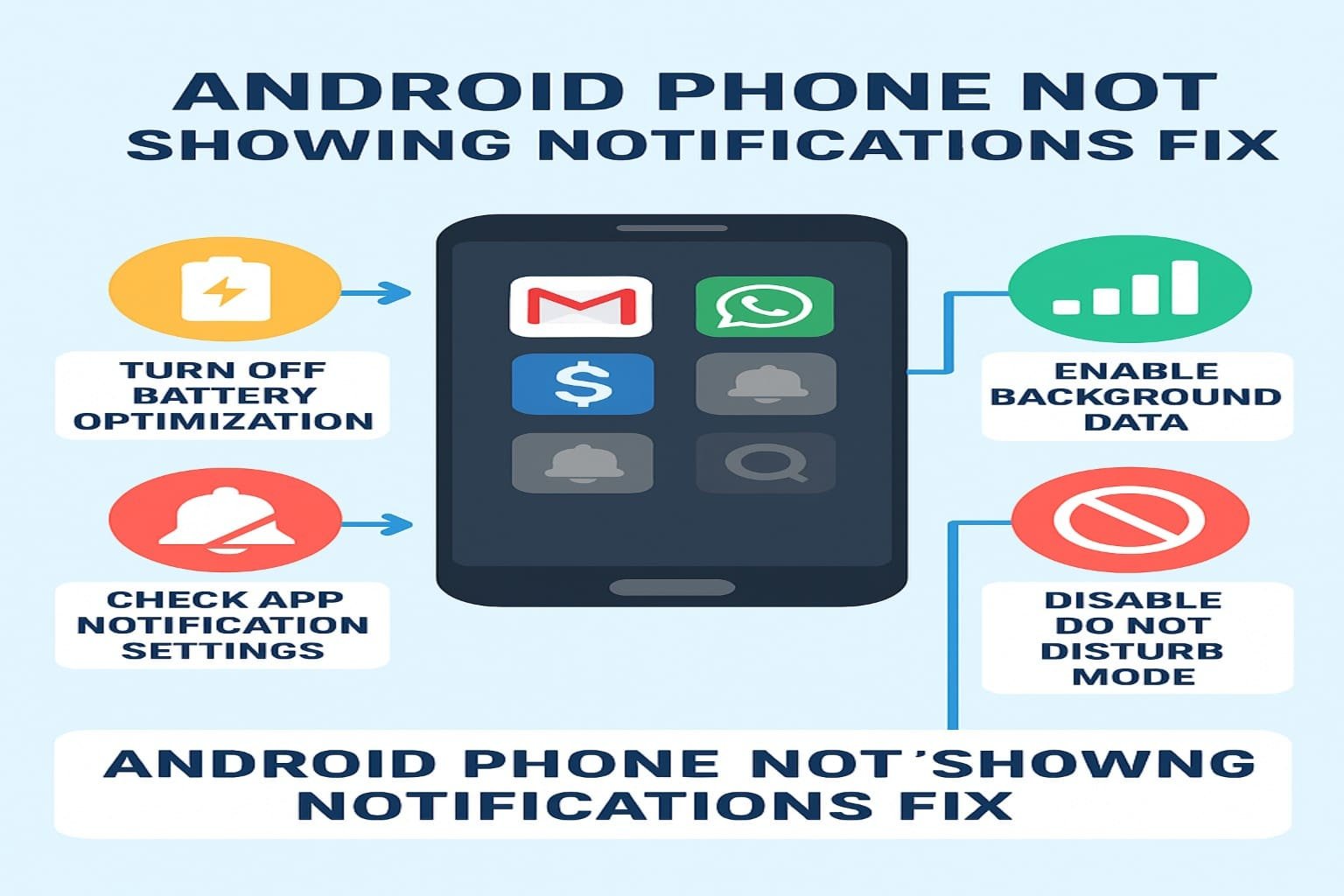
Most phones restrict background apps to save battery which can cause android notifications not working
2 Do Not Disturb Mode Enabled
If DND mode is on your android phone no notification sound problem appears
3 App Permissions Disabled
Some apps do not have permission to show alerts which results in android apps not sending notifications
4 Background Data Off
Background data being off can cause android push notifications not working
5 Recent Android Update Issues
Sometimes after an update android phone notification problem occurs
Android Phone Not Showing Notifications Fix Step by Step
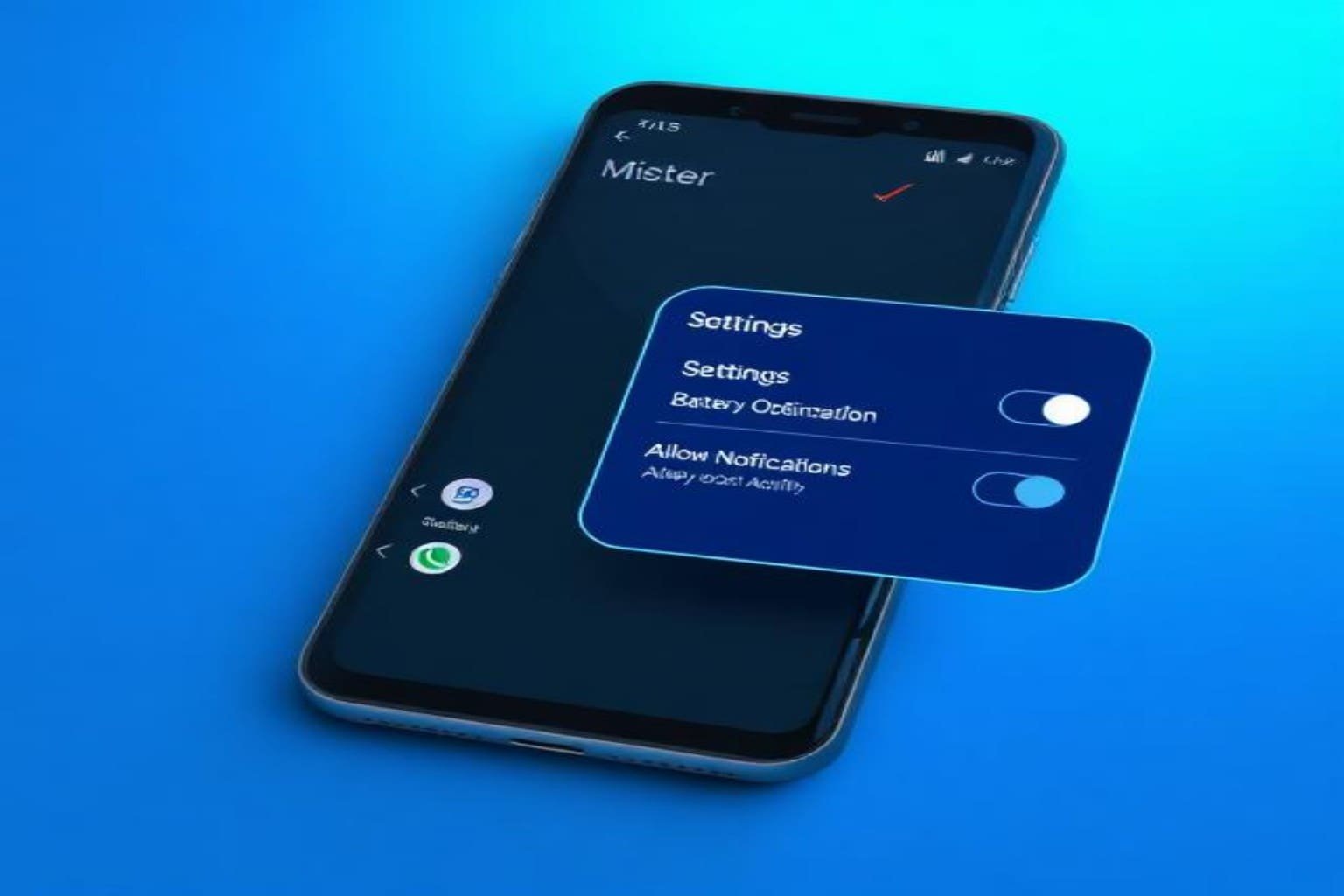
Step 1 Turn Off Battery Optimization
Settings
Battery
Battery Optimization
Set your apps to Unrestricted
This fixes android notification delay and background notification issues
Step 2 Check App Notification Settings
Settings
Apps
Select App
Notifications
Enable All notifications
This fixes android apps not sending notifications and notifications disabled android issues
Step 3 Disable Do Not Disturb Mode
Settings
Sound
Do Not Disturb
Turn Off
DND ON often causes android phone no notification sound
Step 4 Reset App Preferences
Settings
System
Reset Options
Reset App Preferences
This fixes android phone notification problem at system level
Step 5 Clear Google Play Services Cache
Corrupt Google Play Store data can stop notifications
Clear Cache from:
Settings
Apps
Google Play Services
Storage
Clear Cache
How to Fix Notification Delivery Issues on Specific Android Devices
Samsung Phones
Turn off battery optimization
Remove apps from background sleep list
Xiaomi Phones
MIUI battery saver is aggressive
Enable Auto Start
Vivo Oppo Phones
Enable App Lock
Set battery optimization to Unrestricted
Troubleshooting Notification Issues on Android Effective Solutions
Universal fixes for all Android devices:
Turn on background data
Disable Adaptive Battery
Check Sync settings
Allow app to run in background
Update system UI apps
I am not receiving notifications for most apps What should I do
If banking, CCTV, or email notifications are missing follow these steps to perform an Android Phone Not Showing Notifications Fix:
-
Clear Google Play Store cache
-
Disable battery optimization
-
Enable background data
-
Apply unrestricted mode for apps
Usually these steps resolve the android phone not receiving notifications problem effectively
If your computer is also slow read this complete guide Slow Computer Solutions
Frequently Asked Questions About Android Phone Not Showing Notifications Fix
1 Android phone not showing notifications fix Reddit
Many users report on Reddit that notifications stop working due to battery optimization Do Not Disturb mode or app permissions To fix Android phone not showing notifications fix disable battery saver enable background data and check app notification settings
2 Why am I not getting notifications even though they are turned on
Even if notifications are turned on some Android phones block alerts due to background restrictions battery optimization or Adaptive Battery feature Use Android phone not showing notifications fix by allowing apps to run in the background and resetting app preferences
3 Android phone not showing notifications fix Samsung
Samsung phones often limit background apps and enable deep sleep mode To apply Android phone not showing notifications fix Samsung disable battery optimization allow apps to run in background and remove apps from sleep mode
4 Android phone not showing notifications fix Android 11
On Android 11 notification issues can occur due to system UI bugs or restricted notifications To fix Android phone not showing notifications fix Android 11 check notification channels clear cache for Google Play Services and ensure Do Not Disturb is off
5 How to turn on notifications on Android phone
Go to Settings Apps Select App Notifications Enable All Notifications This simple step is part of the Android phone not showing notifications fix and ensures all apps send alerts properly
Conclusion
Android Phone Not Showing Notifications Fix is not difficult you just need to apply correct settings In this guide we covered all possible solutions including battery optimization app permissions do not disturb settings background data and Google Play cache issues If you follow the above steps android phone notifications not working problem will be completely resolved