

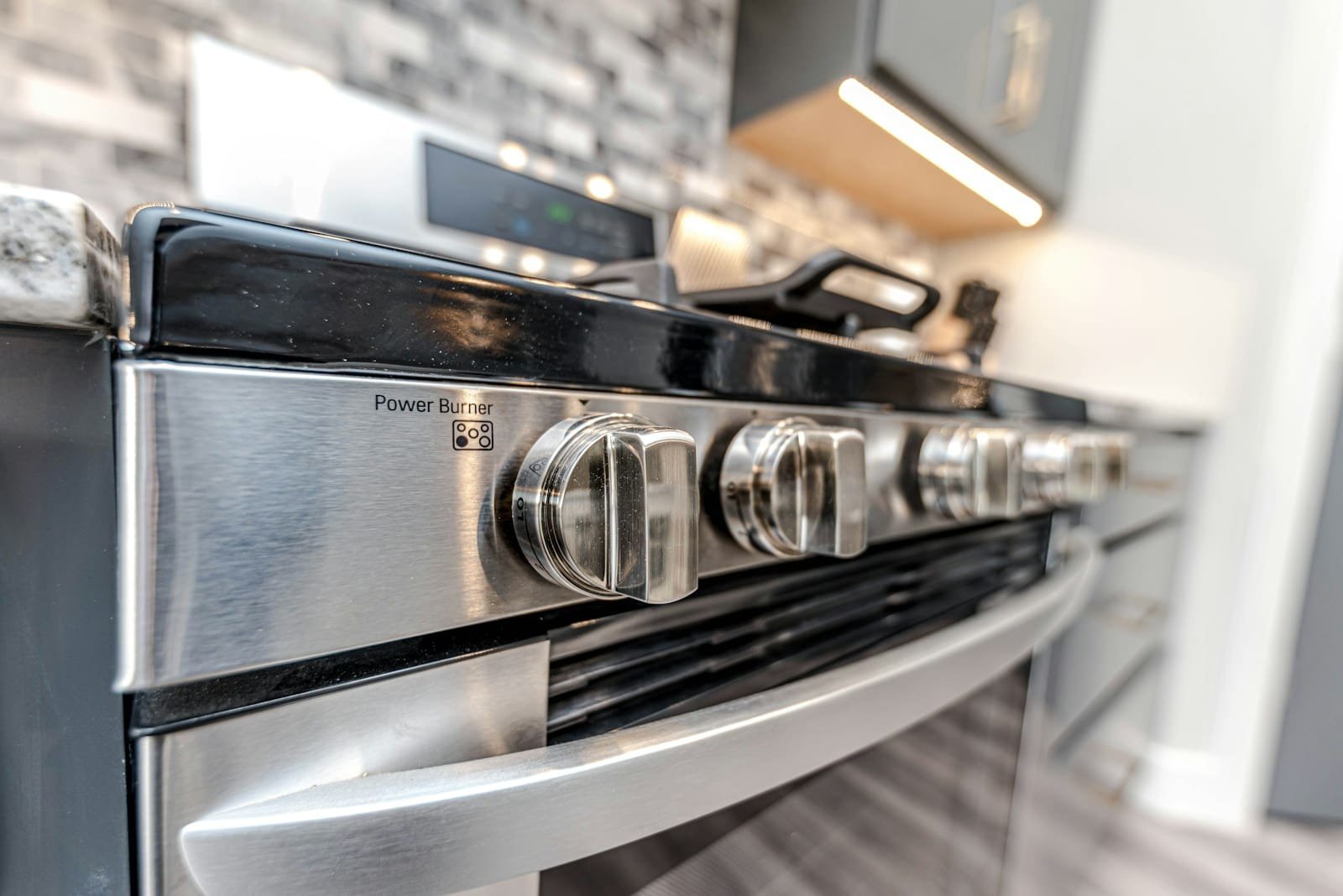
It is easy to get frustrated when your KitchenAid oven gives error codes, but these codes are designed to guide you in finding and fixing the problem efficiently. This is a comprehensive list of the most common error codes on the KitchenAid oven, along with the most viable solutions for each issue.
KitchenAid Oven Common Error Codes and Solutions.
F1 E0 – Control Board Failure
Reason: This means that there is a defect in the control board of the oven.
Solution: Unplug the oven, then leave it disconnected for at least 30 seconds. Afterward, reconnect it. If the error persists, the control board may need to be replaced.
PartSelect
F2 E0 – Shorted Keypad
Cause: This error can be brought about by a stuck or shorted key on the keypad.
Solution: Press all keys to make sure they are not stuck. If the error persists, check the keypad for damage or obstructions. There may be a need to clean or replace the keypad.
PartSelect
F3 E2 – Oven Temperature Too High
Theory: The oven’s temperature is too high, possibly due to a defective temperature sensor.
Resolution: Test the oven temperature sensor to verify if it is damaged or disconnected. In case of failure, replacing the sensor should help.
PartSelect
F4 E1 – Meat Probe Error
Cause: This error can be caused by a problem with the meat probe, specifically disconnection or damage.
Solution: Ensure that the meat probe is securely in place and intact. If the problem persists, it may be necessary to replace the probe.
PartSelect
F5 E1 – Door Latch Error
Cause: This error can be caused by issues with the door latch mechanism.
Fix: Check the door latch for obstructions and/or damage. Ensure it is operating correctly; otherwise, it may need to be replaced.
PartSelect
F6 E0 – Communication Error
Cause: This error can result from a communication issue between the control board and the user interface in an oven.
Solution: Unplug the oven, then leave it disconnected for at least 30 seconds. Afterward, reconnect it. If the error persists, the connections between the control board and the serial interface should be further investigated.
PartSelect
F7 E1 – Function Key Stuck
The cause: This error can be caused by a stuck key that is still functioning.
Solution: Tap each functional key to ensure they are not stuck. If the error persists, check the keypad for debris or damage. There might be a need to clean or replace the keypad.
PartSelect
F9 E0 – Oven Door Lock Failure
Cause: The error can be caused by problems with the oven door lock mechanism.
Solution: Check the door lock for any obstructions or damage. Ensure it is working correctly; otherwise, there is a risk of making a change.

Categories of Troubleshooting.
Power Reset: In most cases, a power reset can resolve a code. Please switch off and then turn it back on again. Please turn off the oven at the circuit breaker for at least 10 minutes, then turn it back on.
Check Connections: Wires may be loose, resulting in error codes. Ensure that all connections are secure, particularly those to the keypad, temperature sensor, and door latch.
Consistent Cleaning: To avoid problems, it is recommended to clean the oven regularly and maintain it in good condition. Periodically inspect debris and parts for signs of breakage.
When to Call a Professional
If you have already tried the above solutions and the error persists, or if you are not comfortable performing these checks yourself, it is recommended to seek the assistance of a professional technician. The ongoing problems can be a sign of a bigger issue that professionals should address.
Being aware of typical KitchenAid oven error codes and their solutions, you will be able to solve numerous problems in a timely and effective manner. Your oven should be maintained regularly and taken care of by paying attention to error codes,, which will ensure it is in good workingcondition.