
Introduction
Smartphones have developed well beyond simple communication devices. Nowadays, they act like mini-computers, capable of performing several tasks. OTG (On-The-Go) is one of the features that enhances a phone’s operation. OTG in Mobile Phones to connect to USB devices without a laptop or PC. Android phones became widespread in 2025 thanks to OTG support. This guide gives a description of what OTG is and how it works, its best applications, compatibility, and troubleshooting information.
What Is OTG in Mobile Phones?
OTG (USB On-The-Go) enables your smartphone to act as a host device, allowing it to read and manage external USB devices.
In Simple Terms
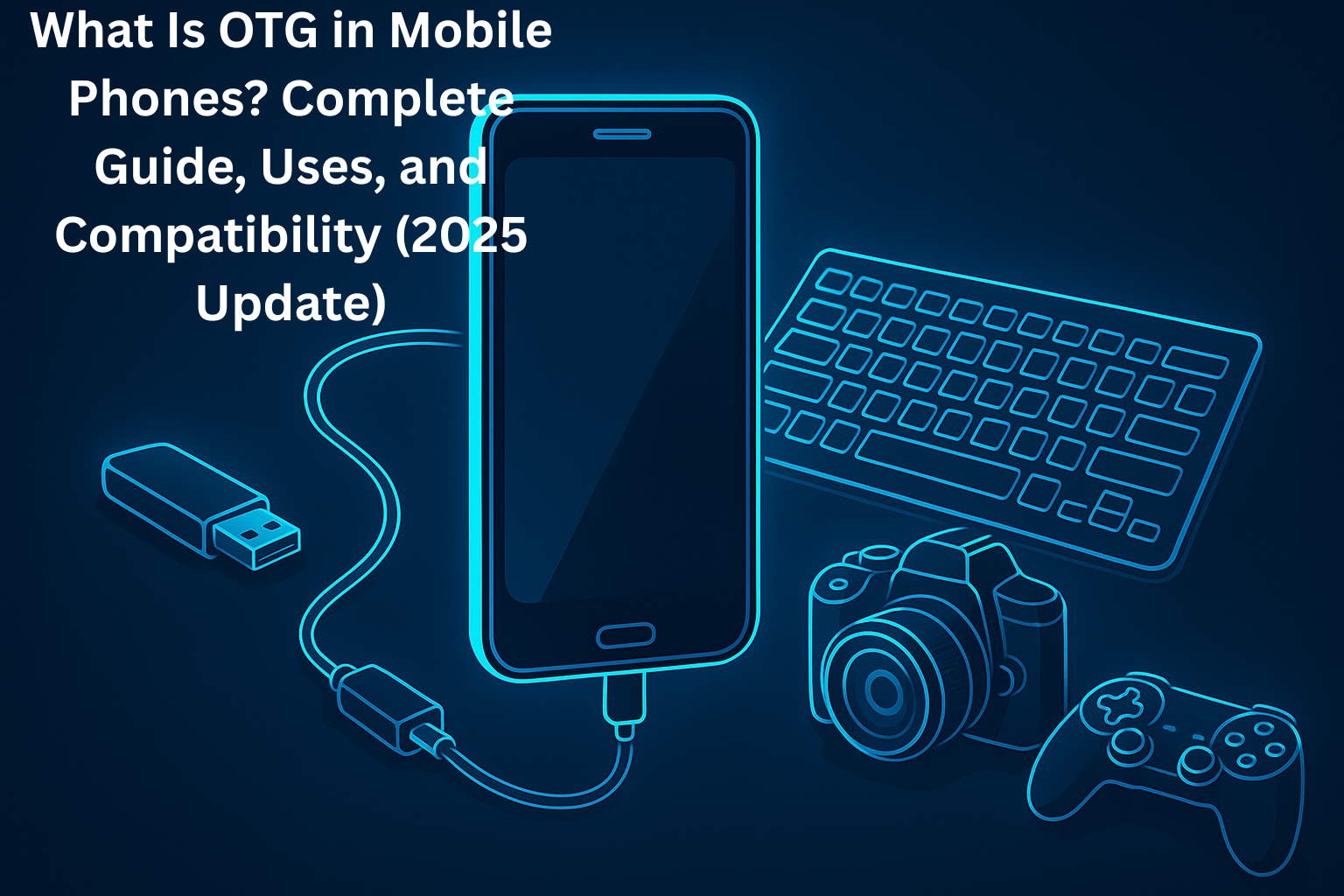
OTG stands for On-The-Go, which means your phone is a mini-computer. Using an OTG cable, you may connect a USB flash drive, keyboard, mouse, or game controller to your mobile phone.
How Does OTG Work?
OTG cable turns your phone’s charging port into a full USB port.
Phone → OTG Cable → USB Device
After connecting, the phone reads information from or enters data into the device attached to it.
Common OTG Types in 2025
- Type-C to USB OTG
- Micro-USB OTG (older devices)
- Dual USB OTG flash drives
Optimal OTG Applications in Cell Phones.
Connect USB Flash Drives
You can plug in a pendrive and:
- Transfer movies
- Backup files
- Copy documents
- View photos or videos
- This renders storage management very easy.
- Use Keyboard and Mouse
OTG lets you use your phone as a desktop. This is useful for:
- Writing long emails
- Editing documents
- Browsing faster
- Coding or note-taking
- Gaming With Controllers
Game controllers are supported in games such as PUBG, COD Mobile, and Asphalt.
It offers a more comfortable, easier gameplay experience.
- Control DSLR Cameras
- With OTG, photographers can:
- Move DSLR photographs to mobile.
- Use remote-control apps
- Preview images instantly
- Excellent on-site and fast editing.
- Quick phone-to-phone data transfer.
OTG enables two phones to share files without being connected to the internet, faster than Bluetooth and is more dependable.
Connect External Microphones or Audio equipment.
Content creators will be able to make contact:
- USB microphones
- Audio interfaces
- USB sound cards
- Appealing to YouTube videos, podcasts, and voiceovers.
How to Test OTG Support in Your Cellphone.
- Ways of checking the OTG Compatibility.
- Settings About Phone USB Settings.
- Add an OTG Checker App to the Play Store.
- Brand specifications of check officials.
To a large extent, OTG is supported by the following brands:
Samsung, Xiaomi, Oppo, Vivo, Realme, Infinix, Tecno.
If the phone has OTG, it will automatically recognise the devices when connected.
How to Turn OTG on Major Android Brands.
- Samsung
- Settings-> advanced features-OTG Support- Enable.
- Vivo / Oppo
- Settings: Additional settings OTG Connection On.
- Xiaomi / Redmi
- Settings OTG Enable settings Additional Settings
Note: Others also switch off OTG for a few minutes to save battery. You may need to re-enable it.
Why OTG Is Important in 2025
- No Laptop Required
- You can move and edit files, and control storage, right on your cell phone.
- Boosts Productivity
- OTG streamlines daily tasks, particularly those involving students and professionals.
- Storage Expansion
- The storage of low phones can be extended immediately to flash drives.
- Games and Content Productions.
- External accessories are beneficial to gamers and creators.
Fundamental OTG Problems and Solutions.
Device Not Detected
Reasons:
- OTG option is disabled
- Damaged OTG cable
- Unsupported device
- Battery saver mode is active
Resolution: Turn on OTG, change the cable, or reboot the device.
- Pendrive Formats are not supported.
- You may have problems with PC drives formatted as NTFS or exFAT.
- Solution: Pendrive FAT32.
- High Power Requirement
Specific USB devices will require a higher power than this phone can provide.
Resolution: Power OTG hub with power.
- Safety Tips for Using OTG
- Always remove USBs safely.
- Use quality cables to avoid damaging the phones.
- Do not use OTG while charging.
- Large USB flash drives can cause the phone to heat up.
Conclusion
OTG is one of the most feasible and strongest features in the current cell phones. It turns your machine into a pocket-sized computer, enabling you to move files around, enhance gaming, create content, and connect devices. With the development of smartphones in 2025, OTG is going to be a vital, productive, flexible, storage, and convenience tool. If your phone supports OTG, ensure you use it.